
Search Knowledge Base by Keyword
Import a 3.2 File into Point Central
Import the 1003
- Download the files from UWM
- Open Point
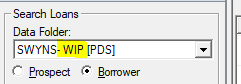
- Set the Drop-down to your WIP folder
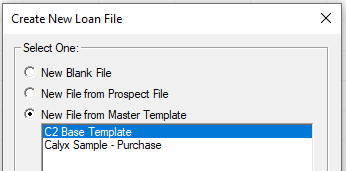
- Create a new Blank Point File (File Menu–> New–>Loan–>Borrower)

- Select the C2 base Template and press OK
- File–> Import From –> Fannie Mae DO/DU (Local)

- Locate the 3.2 File. It typically ends with .fnm and select OPEN

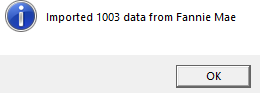
- Click OK
- Save the Point File (File–>Save)
- If needed apply the Borrower Template to the File
Was this post helpful?
Let us know if you liked the post. That’s the only way we can improve.