
Search Knowledge Base by Keyword
Connect to C2C3 Cloud using a Web Browser
Prerequisites
- HTML 5 compliant web browser (Chrome, Firefox, Brave, Edge)
Please Note: Due to the multitude of browsers and updates released we recommend Chrome but cannot guarantee an update will break this process. If an issue were to arise please try FireFox or Brave prior to opening a Support Request. - C2C3 Cloud Account information, provided via email
Steps to Connect
- Open your preferred web browser
- Paste the link: https://rds.pcc1.cloud/RDWeb/WebClient/Index.html
- Save the Link as a Bookmark or Short Cut for easy access
- Enter
- YourUserName@c2c3cloud.com
- PW: See One Time Secret Link
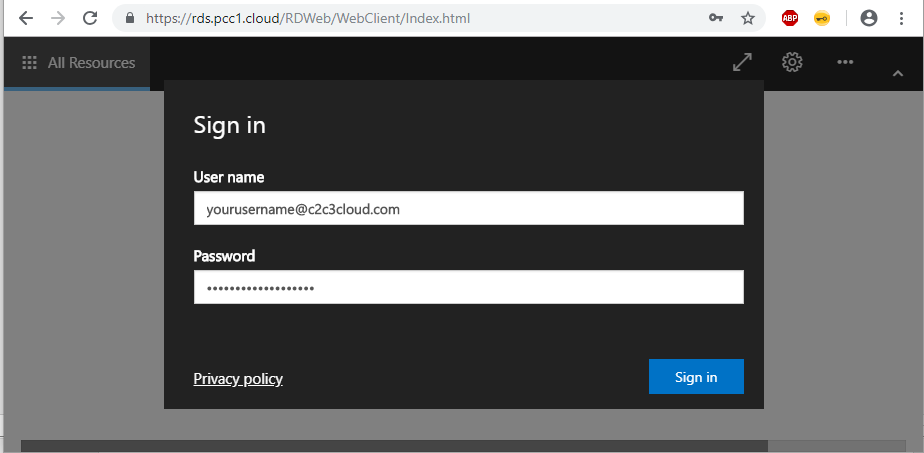
5. Sign-in

6. Click the Icon for the C2C3 Cloud
7. Complete your Work in the browser

8. Sign Out
Was this post helpful?
Let us know if you liked the post. That’s the only way we can improve.