
Search Knowledge Base by Keyword
Add Borrower Template to imported 3.2 File
Background
When importing files the Borrower Template will need to be added to the File after its imported.
Steps
- Import the file into Point
- File–> Import From–> Borrower Master File

- Select the Template from the list

- Click OK
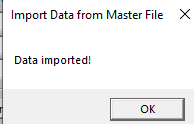
- Save the Loan File
Was this post helpful?
Let us know if you liked the post. That’s the only way we can improve.